
I have been rethinking why we rely so much on icons in interfaces.
While building Telesink, something became obvious to me: icons make a product look polished, but they do not always make it clearer. Sometimes they do the opposite.
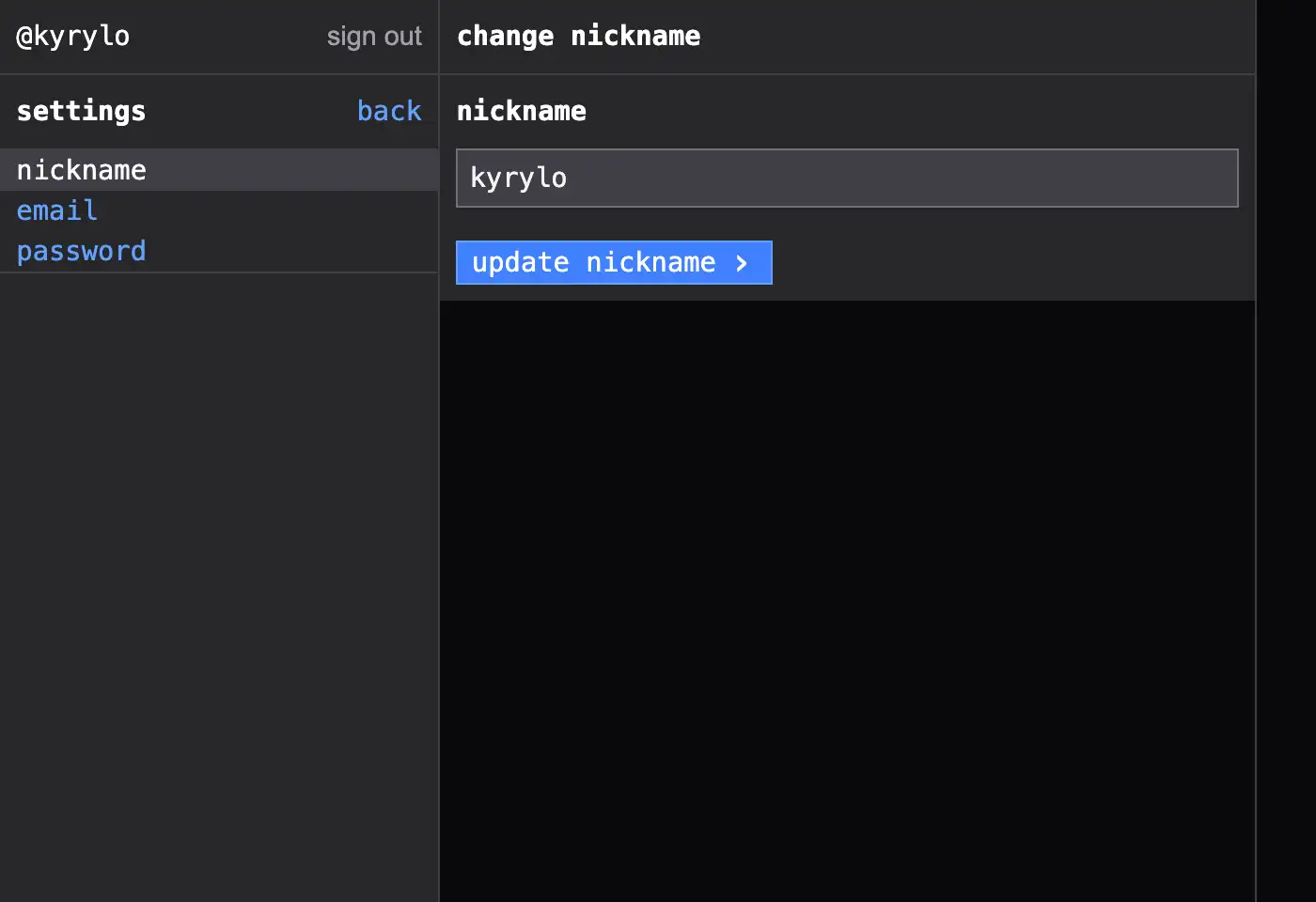
Telesink settings interface showing its text-first design.
Where icons help
Icons are not bad. They are useful in a few specific cases, and I still use them when they earn their place.
- Multilingual products, where text is harder to fit
- Very tight layouts, like mobile controls or dense tables
- Repeated actions users learn quickly
- Status feedback, like success, warning, or loading
- Visual grouping, when the icon actually helps the eye
Where they get in the way
But most product dashboards are full of icons that need labels anyway. At that point the icon is not communication. It is decoration.
- Many icons must be learned and are not universally understood
- They are often ambiguous without labels
- They slow down new users who just want to read what happened
- They add visual noise around the actual event data
- They increase the amount of design and maintenance work
- Text is easier for accessibility and localization
Why Telesink is text-first
Telesink is mostly text because the product itself is a live feed. The interface should get out of the way and let you read. A signup happened. A payment came in. A job failed. A webhook arrived.
That does not need decoration. It needs clarity.
- Actions are easier to understand
- The feed is faster to scan
- New users have less to learn
- The UI is simpler to build and maintain
My rule of thumb
When I am deciding between an icon and text, I ask two simple questions:
- Would a first-time user understand this instantly?
- Does the icon truly add clarity, or is it mostly decoration?
If the answer is not a clear yes, I default to text. This rule has removed a surprising amount of clutter from Telesink.
It also fits the rest of the product. I want Telesink to be fast, plain, and direct. Less decoration, more communication.
Less decoration, more communication.
If you want a clean real-time view of your product’s important events, try Telesink. There is a hosted version, and the open-source version is free to self-host.